SLC vs MLC vs TLC vs QLC NAND Flash Explained
SLC, MLC, TLC, and QLC NAND store 1, 2, 3, or 4 bits per cell, trading endurance and speed for density and cost. How each works and which SSD to choose.
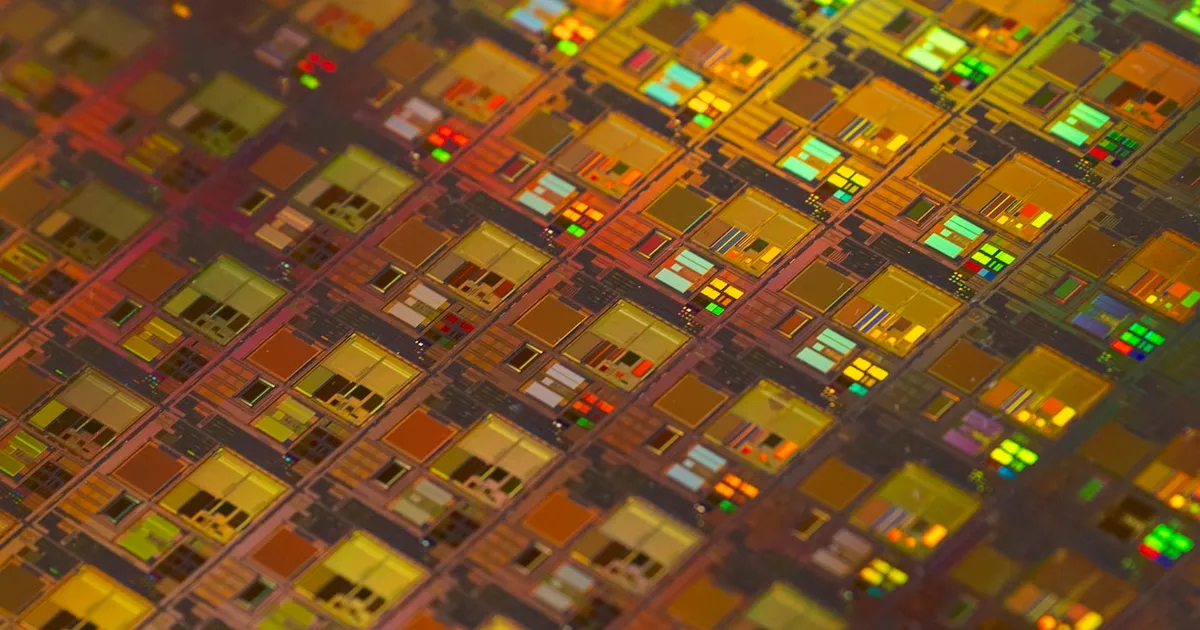
SLC, MLC, TLC, and QLC are the four main types of NAND flash, named for how many bits each memory cell stores: one (single-level cell), two (multi-level cell), three (triple-level cell), and four (quad-level cell). Packing more bits into each cell makes flash cheaper and denser, but it also makes each cell slower to write, harder to read reliably, and quicker to wear out. Nearly every consumer SSD today uses TLC or QLC, while SLC and MLC survive mainly in specialized and industrial roles — and as a caching trick inside the very drives that replaced them.
How a flash cell stores bits
A NAND flash cell is a transistor that can trap electrical charge in an insulated layer — a floating gate in older designs, a charge-trap layer in most modern ones. The amount of trapped charge shifts the voltage at which the transistor turns on. Reading a cell means measuring that threshold voltage and deciding which range it falls into.
The number of distinguishable voltage ranges determines the bits per cell:
- SLC: 2 states, 1 bit (charged or not)
- MLC: 4 states, 2 bits
- TLC: 8 states, 3 bits
- QLC: 16 states, 4 bits
Each extra bit doubles the number of states that must fit into roughly the same voltage window. The margins between neighboring states get narrower, and everything difficult about flash gets harder as a result.
Why more bits per cell costs speed and endurance
Writes get slower. Programming a cell to one of sixteen precise levels requires many small, carefully verified pulses of charge. Hitting one of two levels is far quicker. QLC has the slowest native write speed of the four.
Reads need more work. Telling apart sixteen closely spaced voltage levels takes more sensing steps and is more vulnerable to noise, temperature, and charge leaking over time. Drives lean on strong error-correcting codes in the controller — modern SSDs commonly use LDPC codes — to recover the right bits. It is the same principle as ECC memory, applied at a much higher raw error rate.
Cells wear out sooner. Every program/erase cycle pushes charge through the cell’s insulating layer and slowly damages it. A worn cell leaks or traps charge unpredictably. A slightly degraded SLC cell can still separate two wide states; a degraded QLC cell quickly loses the ability to separate sixteen narrow ones. Endurance therefore falls sharply with each step from SLC to QLC.
Data retention weakens. Stored charge drifts over time, and the drift that fits comfortably inside an SLC margin can push a QLC cell into the wrong state. This matters for drives left unpowered for long periods.
The upside is straightforward: storing four bits where one used to go means far more capacity from the same silicon, which drives the cost per gigabyte down.
SLC vs MLC vs TLC vs QLC at a glance
| SLC | MLC | TLC | QLC | |
|---|---|---|---|---|
| Bits per cell | 1 | 2 | 3 | 4 |
| Voltage states | 2 | 4 | 8 | 16 |
| Write speed (native) | Fastest | Fast | Moderate | Slowest |
| Endurance | Highest | High | Moderate | Lowest |
| Density / cost per GB | Lowest density, highest cost | — | — | Highest density, lowest cost |
| Typical use today | Industrial, caching layers | Some enterprise and industrial | Mainstream consumer and enterprise SSDs | High-capacity, read-heavy storage |
There is also PLC (penta-level cell, 5 bits and 32 states) under development, which extends the same trade-off another step.
The SLC cache trick
If QLC and TLC are slower to write, why do consumer drives often feel fast? Because most of them run part of their flash in SLC mode as a write buffer.
Any TLC or QLC cell can be programmed as if it were SLC, storing just one bit with wide margins. That is fast and gentle on the cell. The controller writes incoming data into this SLC region first, reports the write as done, and later — during idle time — folds the data into dense TLC or QLC storage.
The catch is that the cache is finite. A sustained write larger than the cache, such as copying a very large video project, eventually fills it. Once that happens, the drive must write directly to native TLC or QLC while also clearing the cache, and throughput can drop dramatically. Many QLC drives look excellent in short benchmarks and much slower in long sequential writes. If your workload involves large continuous transfers, look for reviews that test sustained performance, not just peak.
Caches are often dynamic: they shrink as the drive fills up, because free space is what the controller converts into SLC-mode capacity. A nearly full drive can have a much smaller cache than an empty one.
How wear is managed
Raw endurance per cell is only part of the picture. The controller spreads writes evenly across all blocks so no single area burns out early — a process covered in detail in how SSD wear leveling works. It also keeps spare blocks in reserve (over-provisioning) to replace failing ones, and retires cells that start producing too many errors.
Manufacturers summarize the outcome as an endurance rating, usually expressed as total terabytes written (TBW) or drive writes per day (DWPD) over the warranty period. Those ratings are the number to compare, because they reflect the whole system — cell type, controller, ECC, and spare area — rather than the flash type alone.
3D NAND changed the math
Early flash scaled by shrinking cells on a flat plane, which made charge margins thinner and wear worse with every generation. Modern 3D NAND instead stacks many layers of cells vertically. Because density now comes largely from adding layers, individual cells can be somewhat larger and more robust than late-era planar cells. That is a big part of why TLC became trustworthy enough for mainstream use, and why QLC is viable at all.
Which should you choose?
- General desktop and laptop use: TLC is the safe default. It balances price, performance, and endurance well for operating systems, applications, and games.
- Large, mostly read workloads: QLC is a good fit for media libraries, game archives, and backup targets, where capacity matters more than sustained write speed.
- Write-heavy servers and databases: Look at enterprise TLC drives with high DWPD ratings and power-loss protection rather than consumer QLC.
- Harsh or long-lifetime embedded systems: SLC and MLC remain the choice where endurance and retention matter more than capacity.
Interface matters too. Cell type governs endurance and sustained writes, while the bus governs peak throughput — see NVMe vs SATA SSDs for that half, and SSD vs HDD if you are still deciding whether flash is the right medium. Flash also sits on a very different rung of the memory hierarchy from the volatile memory covered in DRAM vs SRAM.
The takeaway
Each step from SLC to QLC adds a bit per cell and doubles the voltage states a cell must hold, which buys density and lower cost at the expense of write speed, endurance, and retention. SLC-mode caching hides much of that penalty for everyday bursts, but not for long sustained writes. For most people TLC is the sensible default, QLC is excellent for capacity-hungry read-mostly storage, and the endurance rating on the spec sheet is a better guide than the cell type alone.
Tagged
Keep reading
 Chisato · · 5 min read
FinFET vs Gate-All-Around (GAA) Transistors Explained
FinFETs wrap the gate around three sides of a fin; gate-all-around transistors wrap it fully around stacked nanosheets. How they differ and why it matters.
Chisato · · 4 min read Wafer-Scale Integration Explained
Wafer-scale integration builds one giant chip from an entire silicon wafer instead of cutting it into dies. How it works and its tradeoffs.
 Chisato · · 4 min read
What Is HBM? High Bandwidth Memory Explained
HBM stacks DRAM dies vertically and connects them through a wide interface, trading capacity per chip for far higher bandwidth than standard DRAM.