Clock Speed vs. IPC: What Actually Makes a CPU Fast
Clock speed measures cycles per second; IPC measures work done per cycle. Real CPU performance is the product of both, not either one alone.
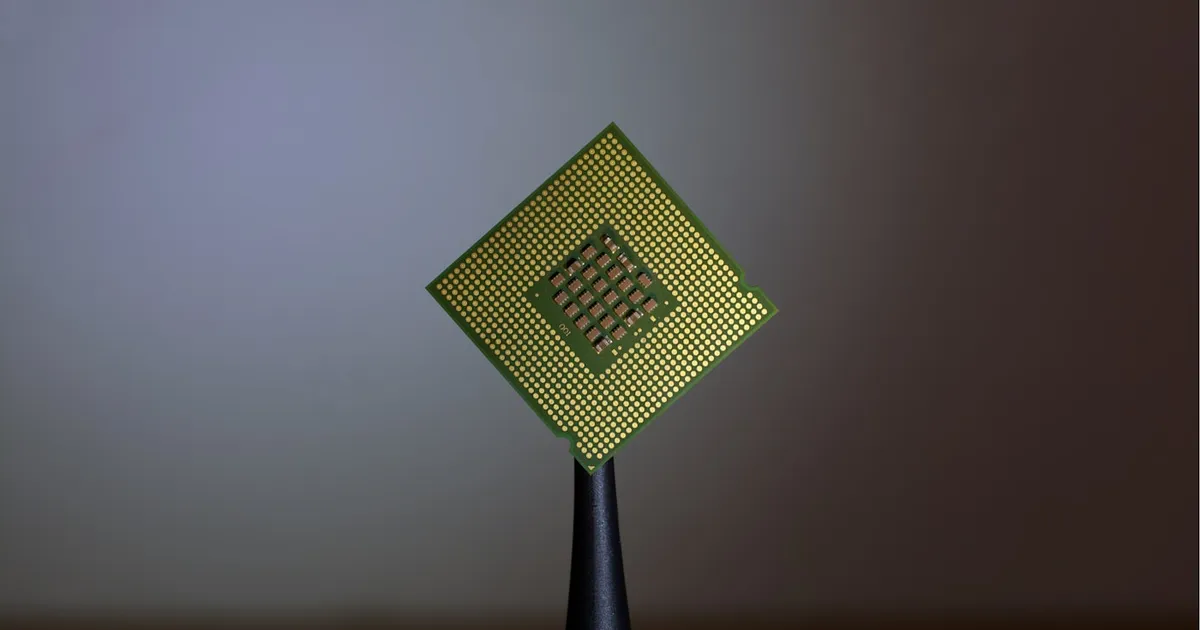
Clock speed is how many cycles a CPU executes per second, measured in gigahertz. IPC — instructions per cycle — is how much useful work the CPU completes in each of those cycles. Neither number alone tells you how fast a processor actually is; real-world performance is roughly the product of the two, which is why a chip with a lower clock speed can comfortably outperform one clocked higher, and why “gigahertz” stopped being a meaningful marketing shorthand for speed decades ago.
Why clock speed alone stopped being the story
In the era when consumer CPUs first crossed into gigahertz territory, clock speed was a reasonably good proxy for performance because architectures across competing chips were similar enough that comparing megahertz-to-megahertz was roughly fair. That stopped holding once chip designers started making very different architectural tradeoffs — different pipeline depths, different execution widths, different branch prediction sophistication — such that two CPUs at the same clock speed could differ by a large margin in actual throughput. A chip clocked at 3 GHz that completes 2 instructions per cycle on average is doing twice the work of a chip at the same 3 GHz completing only 1 instruction per cycle.
This is why the “megahertz myth” became a well-known phrase in computing: raw frequency, taken alone, tells you almost nothing about performance across different microarchitectures. It only tells you something when comparing the same architecture at different clock speeds — which is a much narrower and less interesting comparison than the marketing implied.
What determines IPC
IPC is a function of how much of the CPU’s execution hardware actually gets used productively on every cycle, which depends on several architectural factors working together:
- Pipeline design. Modern CPUs execute instructions through multiple overlapping pipeline stages rather than one instruction start-to-finish before the next begins. A well-designed pipeline keeps more of those stages busy on every cycle.
- Superscalar width. Most modern CPU cores can dispatch and execute more than one instruction per cycle if there’s independent work available — this is what makes an IPC above 1.0 possible at all.
- Out-of-order execution. Rather than stalling the whole pipeline when one instruction is waiting on a slow memory load, out-of-order cores execute later, independent instructions first, then reorder results at retirement — keeping execution units fed instead of idle.
- Branch prediction accuracy. A mispredicted branch flushes speculative work and stalls the pipeline while it recovers, so more accurate prediction directly translates into a higher realized IPC.
- Cache hit rates. A core stalled waiting on main memory because of a cache miss is a core doing zero useful instructions per cycle during that stall, no matter how wide or well-pipelined it is — see CPU cache levels for how the cache hierarchy exists specifically to keep this from happening often.
None of this is free. Wider superscalar execution, deeper out-of-order buffers, and more sophisticated branch predictors all cost more transistors, more die area, and more power per core — which is why higher-IPC designs aren’t simply strictly better in every dimension; they’re a different point on the same power-and-area budget.
Why architectures differ in the clock-speed-vs-IPC tradeoff
Different CPU designs deliberately land in different places on this tradeoff. A deep, narrow pipeline can hit very high clock speeds but does relatively little work per cycle and pays a heavier penalty when a branch misprediction flushes the pipeline, since there’s more in-flight work to discard. A shallower, wider pipeline generally achieves higher IPC but can’t clock quite as high, since each pipeline stage has more work packed into it and simply takes longer to complete. This is part of why comparisons like ARM vs. x86 or discussions of RISC vs. CISC design philosophy aren’t really about instruction set superiority in isolation — they’re downstream of different choices about exactly this tradeoff, among other factors like instruction decode complexity.
Clock speed vs. IPC side by side
| Clock speed | IPC | |
|---|---|---|
| What it measures | Cycles executed per second | Useful instructions completed per cycle |
| Unit | GHz | Instructions/cycle (a ratio, not a rate) |
| Grows via | Shorter pipeline stages, better cooling, process node improvements | Wider execution, better prediction, deeper out-of-order buffers |
| Marketing visibility | High — a single big number | Low — rarely advertised directly |
| Comparable across architectures? | Not meaningfully, alone | Not meaningfully, alone |
Why generational gains rarely come from clock speed anymore
For years now, most year-over-year CPU performance gains within a given power budget have come primarily from IPC improvements — wider execution, smarter prediction, better cache hierarchies — rather than from clock speed climbing. This tracks with the broader slowdown in the kind of transistor scaling that Moore’s Law originally described: pushing clock speed higher runs into power and heat limits fairly quickly, while architectural improvements to IPC can still extract more performance from a similar power envelope. The practical upshot is that “performance per core” is a genuinely multi-dimensional engineering problem, and clock speed on a spec sheet is one input among several, not a shortcut to the answer.
The takeaway
Performance is clock speed multiplied by IPC, not either figure taken in isolation — a processor’s true throughput depends on how much useful work gets packed into every cycle, not just how many cycles it runs per second. When comparing two CPUs, especially across different architectures or vendors, a raw gigahertz number tells you very little on its own; what actually separates a fast chip from a slow one is architectural: pipeline design, execution width, prediction accuracy, and how well the cache hierarchy keeps those execution units fed.
Keep reading
 Chisato · · 6 min read
 SSD Wear Leveling: How NAND Flash Stays Alive
SSD wear leveling spreads writes across NAND flash so no block wears out early. How the flash translation layer, garbage collection, and TRIM work together.
 Chisato · · 4 min read
 Thermal Interface Materials Explained
Thermal interface material fills microscopic gaps between a chip and its heatsink so heat can actually transfer to the cooler.
 Chisato · · 4 min read
 UMA vs NUMA: Memory Architecture Explained
UMA gives every CPU core equal-latency memory access; NUMA gives each core faster access to its local memory bank. How the two architectures differ.