Network Ingress vs. Egress: What's the Difference?
Ingress is traffic entering a network or system; egress is traffic leaving it. The distinction shapes firewall rules, cloud billing, and security posture.

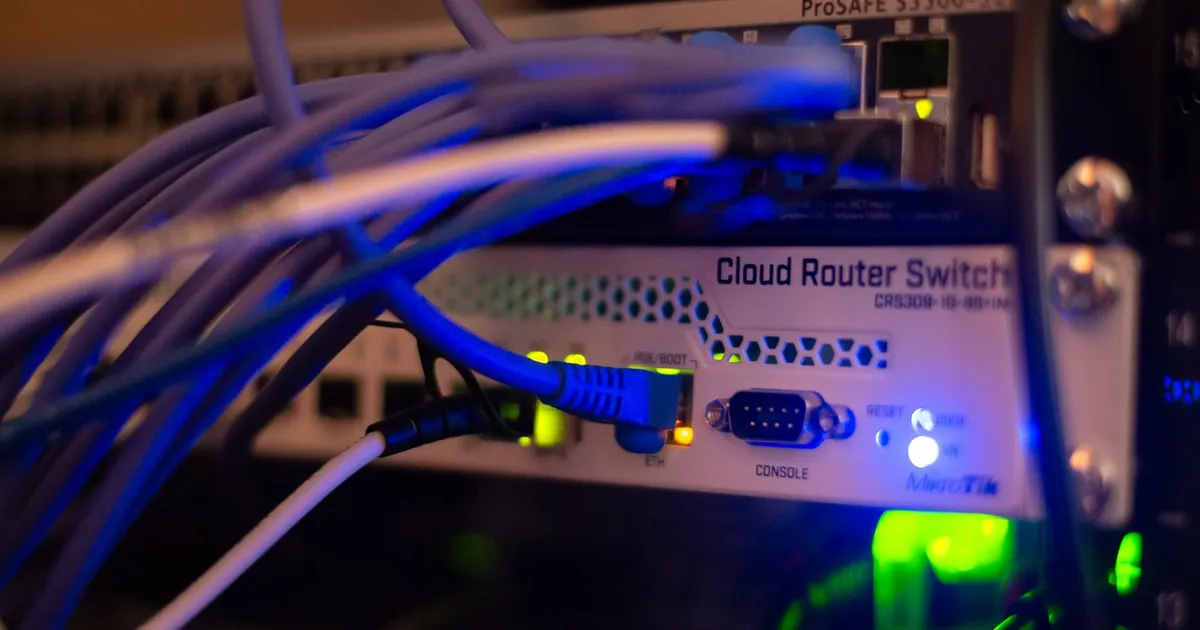
Ingress is network traffic entering a system — requests arriving at a server, packets crossing into a private network, connections initiated from the outside. Egress is traffic leaving that system — responses going out, or connections a system inside the network initiates to something external. The distinction matters because cloud providers, firewalls, and Kubernetes clusters all treat inbound and outbound traffic as separate concerns with separate rules, separate risk profiles, and — in the cloud — separate line items on a bill.
Ingress: what’s allowed in
Ingress rules answer the question “what’s allowed to reach this system, and from where?” A public web server typically needs ingress open on ports 80 and 443 from anywhere, but a database sitting behind it should only accept ingress from the application servers that talk to it — not from the public internet at all. This is the basic shape of network segmentation: the smaller the set of things allowed to initiate a connection inward, the smaller the attack surface.
In cloud environments, ingress is usually controlled through security groups or network ACLs attached to a VPC, often expressed as CIDR ranges — “allow TCP 443 from 0.0.0.0/0” for a public endpoint, or “allow TCP 5432 from 10.0.1.0/24” for a database that should only hear from application-tier instances in a specific subnet. In Kubernetes specifically, an Ingress resource is a higher-level construct that routes external HTTP(S) traffic to internal services, which is a more specific and much narrower use of the word than the general networking term — see how Kubernetes network policies apply the same inbound-vs-outbound logic at the pod level.
Egress: what’s allowed out
Egress rules answer a different question: “what is this system allowed to connect out to?” It’s easy to overlook because a default-allow-all-egress posture is common and usually doesn’t break anything — until it does. A compromised server with unrestricted egress can exfiltrate data to any external endpoint, download additional malicious payloads, or serve as a launch point for further attacks, all without ever needing an inbound connection to have succeeded in the first place.
Restricting egress — allowing outbound connections only to specific known destinations, like your package registry, your logging endpoint, and your own API — is a meaningfully stronger security posture than most teams start with, precisely because it’s the harder rule set to write. You have to know and enumerate every legitimate outbound dependency your system has, which for anything beyond a small service can be a real audit effort. Many teams instead route all egress through a NAT gateway or reverse proxy as a chokepoint, which at least centralizes logging and makes future restriction easier even before every rule is locked down.
Why cloud providers charge for egress specifically
Most cloud providers charge for data egress — bytes leaving their network — while ingress is typically free. This isn’t symmetric pricing by accident: providers want to make it cheap and easy to get data into their platform, and comparatively expensive to move it back out, which creates a natural incentive against multi-cloud architectures that shuffle data between providers. This asymmetry is worth knowing before designing a system that regularly moves large volumes of data between clouds or serves large payloads directly from cloud storage to end users — egress costs at scale can dwarf compute costs for data-heavy workloads.
Ingress vs. egress at a glance
| Ingress | Egress | |
|---|---|---|
| Direction | Traffic coming in | Traffic going out |
| Typical default | Deny by default, allow specific ports/sources | Allow by default in most setups |
| Primary risk | Unauthorized external access | Data exfiltration, C2 callbacks |
| Common controls | Security groups, WAF, load balancer rules | NAT gateway, egress firewall, DNS filtering |
| Cloud billing | Usually free | Usually metered and billed |
Applying the distinction in practice
The most effective firewall posture treats ingress and egress as genuinely separate rule sets rather than mirror images of each other. A WAF inspecting inbound HTTP requests for injection attempts does nothing to stop a compromised process from phoning home over an outbound connection — that requires a separate egress control looking at where traffic is going, not where it came from. Zero trust architectures push this further, treating every connection — inbound or outbound, and regardless of which side of a traditional network perimeter it originates from — as something to be explicitly authorized rather than implicitly trusted by virtue of being “inside” the network.
The takeaway
Ingress and egress aren’t two names for the same firewall rule pointed in opposite directions — they protect against different threats, get configured through different mechanisms, and in the cloud, get billed completely differently. A security posture that only restricts what can get in, while leaving what can get out wide open, has closed the front door and left the back one unlocked.
Tagged
Keep reading
 Chisato · · 4 min read
 What Is VPC Peering?
VPC peering connects two virtual private clouds so resources in each can talk over private IPs, without traffic ever touching the public internet.
 Chisato · · 4 min read
 What Is a NAT Gateway?
A NAT gateway lets private-subnet resources reach the internet outbound while staying unreachable from it, translating private IPs to a public one.
 Chisato · · 4 min read
 What Is a VPC? Virtual Private Clouds Explained
A VPC is an isolated, software-defined network inside a public cloud. How subnets, routing, and security groups fit together to keep resources private.