Biometric Authentication Explained
Biometric authentication verifies identity using fingerprints, faces, or other traits — here's how enrollment, matching, and liveness checks work.

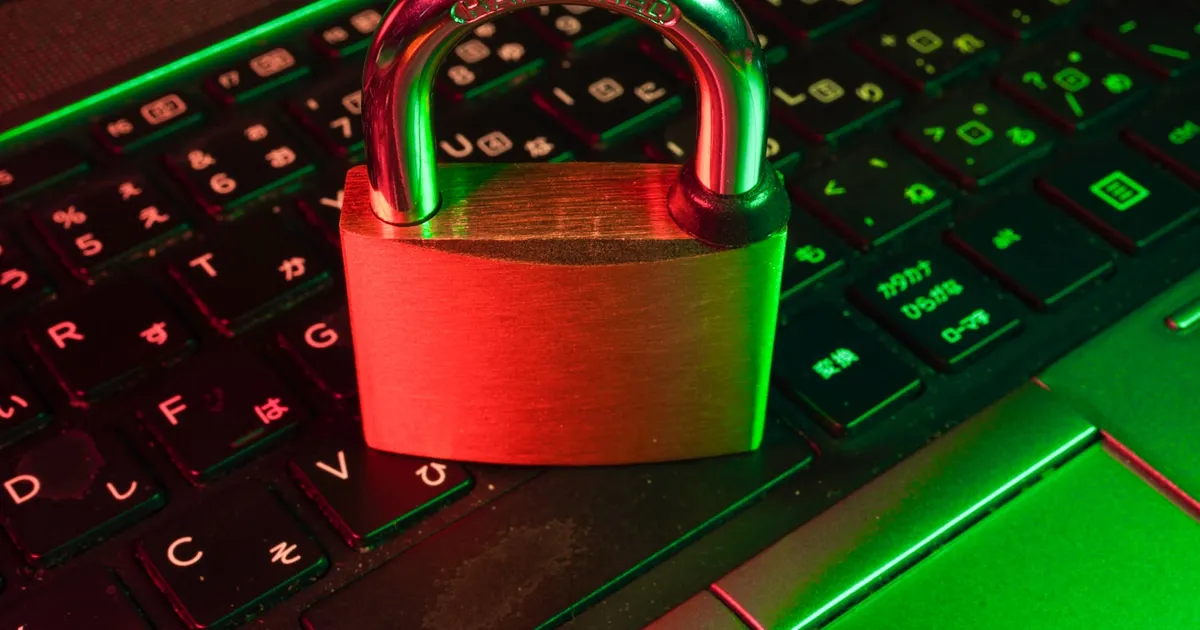
Biometric authentication verifies identity by measuring a physical or behavioral trait — a fingerprint, a face, an iris pattern, a voice — rather than checking something a person knows (a password) or something they carry (a hardware key or a phone). It’s now the most common way people unlock a phone or laptop, and it increasingly sits underneath passwordless login flows without users realizing that’s what’s happening under the hood.
Enrollment and matching
Biometric systems don’t store a photo of your face or a picture of your fingerprint. During enrollment, a sensor captures the raw biometric input, and a feature-extraction algorithm converts it into a compact mathematical representation — a template — that captures the distinguishing characteristics of the trait without being reversible back into the original image. Fingerprint templates typically encode the position and orientation of ridge endings and bifurcations; face templates typically encode geometric relationships between facial landmarks, expressed as a numerical vector.
At authentication time, the sensor captures a fresh sample, extracts a new template using the same algorithm, and compares it against the stored one using a similarity score. Because no two scans of the same finger or face are ever pixel-identical — angle, lighting, and moisture all vary — the system doesn’t require an exact match. It requires a similarity score above a configured threshold.
That threshold creates an unavoidable trade-off, usually described with two error rates:
- False acceptance rate (FAR) — how often the system incorrectly matches a different person’s biometric to your enrolled template.
- False rejection rate (FRR) — how often the system incorrectly fails to match your own biometric.
Tightening the threshold to reduce false acceptances increases false rejections, and vice versa. Consumer devices are tuned to keep both rates low enough for everyday convenience, which is why biometric unlock is generally paired with a fallback PIN or password rather than being the only way in — a system with a zero false-rejection tolerance would necessarily accept more false matches than most people would consider acceptable for securing a device.
Where the template lives
The most consequential design decision in a biometric system is where the template is stored and where matching happens, because it determines the real attack surface:
- On-device matching, the model used by most modern phones and laptops, stores the template inside a hardware-isolated secure area of the device and never transmits it anywhere, including to the app or website requesting authentication. The app just receives a “yes, this is the enrolled user” signal, or, more commonly, a cryptographic proof it can verify. This is the model used by passkeys and FIDO2: the biometric unlocks a private key stored locally, and it’s that key — not the biometric itself — that ever gets used to authenticate to a remote server.
- Server-side matching transmits the captured sample or its template to a central server for comparison against a stored database of templates. This model exists in some enterprise and government systems, but it concentrates risk: a breach of that central database exposes biometric templates for every enrolled user, and unlike a password, a compromised fingerprint or face template can’t be reset.
This distinction is exactly why the shift toward on-device biometric unlock paired with local cryptographic keys is considered a meaningful security improvement over transmitting biometric data across a network — the biometric never has to be trustworthy to a remote party, because the remote party never sees it.
Liveness detection
A biometric system that only checks “does this input match the stored template” is vulnerable to spoofing: a printed photo held up to a camera, a silicone fingerprint mold, or a recorded voice clip. Liveness detection is the set of techniques used to confirm the sample comes from a live person present at the sensor, not a replay or a static reproduction. Approaches vary by modality — depth sensing and subtle motion analysis for face recognition, capacitive or ultrasonic sensing that can distinguish live tissue from a mold for fingerprints, and challenge-response prompts (blink, turn your head) for less sophisticated camera-based systems. Liveness checks are an ongoing arms race rather than a solved problem, which is one reason biometric authentication is generally recommended as one factor in a multi-factor scheme rather than a sole gatekeeper for high-value access — see multi-factor authentication for how factors are typically combined.
Biometrics as a local unlock vs. a network credential
It’s worth being precise about what biometric authentication is actually protecting in most real deployments today. On a phone or laptop, Face ID, Touch ID, and Windows Hello equivalents authenticate you to the device, unlocking access to a private key or credential stored in hardware — often inside a dedicated hardware security module or its mobile equivalent. That unlocked credential is then what actually authenticates you to a remote service, frequently as part of a TOTP-free, passkey-based login flow. The biometric match itself never travels over the network and is never checked by the remote server — which is also why losing a phone doesn’t mean an attacker can simply present their own face or finger to log into your accounts remotely; they’d need the physical device, and the enrolled biometric, together.
Limitations worth knowing
Biometrics solve the “remembering a password” problem, but they introduce trade-offs a password doesn’t have. A biometric can’t be changed if it’s ever compromised the way a password can be reset — though because well-designed systems never transmit the raw biometric or a reversible template off-device, this risk is largely mitigated in practice rather than eliminated in principle. Biometric sensors can also be defeated by injury, environmental conditions (wet fingers, certain lighting), or, in rare but documented cases, sufficiently sophisticated spoofing that outpaces a given liveness check. None of this makes biometrics weaker than passwords in practice — most password compromises come from reuse, phishing, and credential-stuffing attacks that biometrics are structurally immune to — but it’s why security-conscious systems still keep a fallback authentication path available.
The takeaway
Biometric authentication verifies identity from a physical trait by comparing a freshly captured template against an enrolled one, using a similarity threshold that balances false acceptances against false rejections. The security model hinges almost entirely on where matching happens: on-device matching that unlocks a local cryptographic key, as passkeys and FIDO2 use, keeps the biometric itself off the network entirely, while server-side matching concentrates risk in a database that can’t be rotated the way a password can. Liveness detection closes the gap against spoofing, but biometrics work best as one factor in a broader authentication scheme rather than the only one.
Tagged
Keep reading
 Chisato · · 6 min read
 Why Passkeys Are Replacing Passwords
Passkeys are phishing-resistant, faster to use, and now supported almost everywhere. Here's how they work and why the password era is finally ending.
 Chisato · · 5 min read
 What Is DPoP? Sender-Constrained OAuth Tokens Explained
DPoP binds OAuth access tokens to a client-held key, so a stolen token is useless without the private key. How proofs work and when to use DPoP.
 Chisato · · 6 min read
 What Is SPIFFE? Workload Identity for Services Explained
SPIFFE is an open standard that gives every service a cryptographic identity without static secrets. How SPIFFE IDs, SVIDs, and SPIRE work together.