Virtual Scrolling Explained: Rendering Huge Lists Fast
Virtual scrolling renders only the rows visible in the viewport, keeping the DOM small so lists with tens of thousands of items stay smooth.
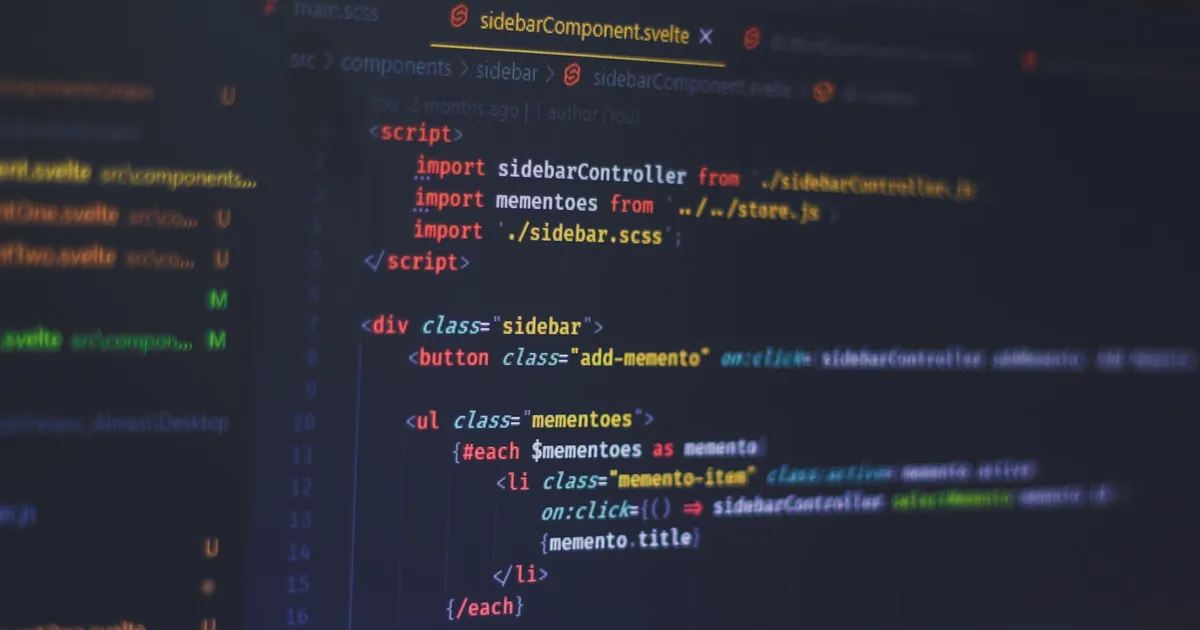
Virtual scrolling (also called windowing) is a rendering technique that keeps only the rows currently visible in the viewport as real DOM nodes, recycling them as the user scrolls instead of rendering every item in a list up front. A table with 50,000 rows becomes, from the DOM’s perspective, a table with maybe 30 rows that keep changing their contents. The browser never has to lay out, paint, or hold in memory the other 49,970.
The problem virtual scrolling solves
The DOM is not built for scale. Every element you render costs memory, and every layout or paint pass has to consider every element that could be visible, even ones currently scrolled out of view. Render a list of 10,000 <div> rows and the initial render blocks the main thread for a noticeable stretch, scrolling gets janky as the browser recalculates layout, and memory climbs with every row you add. This is the same class of problem covered in the guide to core web vitals: the DOM itself becomes the bottleneck, not your JavaScript logic.
Pagination sidesteps the issue by only ever rendering one page’s worth of data, but it forces a click (or a URL change) to see more. Naive infinite scroll fixes the click but not the underlying problem — it keeps appending DOM nodes as you scroll, so the tab that started light eventually carries the same 10,000-row DOM tree pagination was trying to avoid. Virtual scrolling is the fix that scales indefinitely: the DOM size stays roughly constant regardless of how many total items exist.
How it works
A virtual list needs three things: the height of the scrollable container, the height of each row (or a way to estimate it), and the current scroll offset. From those, the technique computes which items should be visible and renders only those, positioned absolutely (or via transform) at the correct offset within a container sized to match the full list’s total height.
- Size a spacer to the full list. An outer container is given a height equal to
totalRows × rowHeight, even though almost none of those rows have corresponding DOM nodes. This is what makes the scrollbar behave like a normal, complete list — the browser doesn’t know or care that the content is virtual. - Compute the visible range. On scroll, divide the current scroll offset by the row height to find the index of the first visible row, then add enough rows to cover the viewport height (plus a small buffer above and below, often called “overscan,” so fast scrolling doesn’t reveal blank space).
- Render and position only those rows. Each rendered row is translated to
index × rowHeightfrom the top, so it lands in the same visual position it would occupy in a fully rendered list. - Recycle nodes on scroll. As the visible range shifts, rows that scroll out of range are either removed or, in more advanced implementations, reused for the row scrolling into range — updating their content and position rather than creating a new element from scratch.
This loop typically runs inside a scroll event handler, ideally scheduled with requestAnimationFrame so the recalculation lands in sync with the browser’s paint cycle instead of firing dozens of times per frame.
Fixed-height vs variable-height rows
Fixed-height rows are the easy case: row height is a constant, so computing the visible range is simple arithmetic. Variable-height rows — chat messages, comment threads, anything with wrapping text — are harder, because you don’t know a row’s height until it’s rendered. Most production implementations handle this by measuring rows as they’re rendered (often with a ResizeObserver) and caching the measured heights, then estimating unmeasured rows with an average until the real value is known. The estimate converges as the user scrolls and more rows get measured.
Building it yourself vs reaching for a library
A basic fixed-height virtual list is a reasonable thing to hand-roll — the core algorithm above is only a few dozen lines. Variable-height lists, bidirectional infinite scroll, sticky headers within a virtualized list, and accessibility (keeping the right ARIA attributes and focus behavior as nodes are recycled) add enough edge cases that most teams reach for a library rather than maintaining it themselves. Libraries such as react-window, react-virtual (now part of TanStack Virtual), and vue-virtual-scroller handle the measurement, recycling, and overscan tuning, and expose the visible-range calculation as a hook or component rather than a manual scroll listener.
Virtual scrolling vs pagination vs infinite scroll
| Virtual scrolling | Pagination | Naive infinite scroll | |
|---|---|---|---|
| DOM size | Constant (viewport-sized) | Constant (one page) | Grows unbounded |
| User interaction | Continuous scroll | Click / URL change | Continuous scroll |
| Deep-linkable state | Hard (scroll position, not a page) | Easy (page number in URL) | Hard |
| Best for | Very large, densely scrolled datasets | Discrete, browsable content (search results, articles) | Small-to-medium feeds |
| Implementation complexity | Moderate–high | Low | Low, but degrades over time |
Trade-offs to watch for
Virtual scrolling breaks a few things that work for free in a normal DOM list. Browser find-in-page (Ctrl+F) can’t find text in rows that aren’t currently rendered, since it isn’t there. Cmd/Ctrl+F and screen readers that rely on reading the whole document need extra work to stay usable — announcing the total count and current position rather than relying on the DOM tree alone. Deep-linking to a specific row is possible but requires you to convert a target index into a scroll offset yourself, since the DOM no longer holds a stable, complete representation of the list. And because rows are recycled, any row-local state (an expanded/collapsed toggle, a hover effect tied to a specific DOM node) has to live in your data model instead of the DOM, or it will bleed onto the wrong row when nodes are reused.
For a long list of images rather than text rows, virtual scrolling pairs naturally with lazy-loading images — the two techniques solve adjacent problems (fewer DOM nodes, fewer network requests) and are often implemented together in the same component.
The takeaway
Virtual scrolling keeps a long list fast by rendering only what’s visible and faking the rest with a correctly sized spacer, recomputing the visible range on every scroll. It trades away some things that come free with a full DOM — find-in-page, simple deep links, DOM-local state — for a rendering cost that stays flat no matter how many items the list holds. For anything past a few hundred rows that users will scroll through continuously, it’s the difference between a responsive UI and one that stutters the moment the dataset grows.
Tagged
Keep reading

 Takina · · 4 min read
 Object.groupBy() in JavaScript, Explained
Object.groupBy() buckets array items by a key you compute, replacing the reduce() boilerplate developers have written for years. How it works.
 Takina · · 4 min read
 Web Locks API: Coordinating Work Across Browser Tabs
The Web Locks API lets JavaScript acquire named locks shared across tabs, so only one tab does work like a token refresh or a write at a time.
Takina · · 4 min read Svelte 5 Runes Explained
Svelte 5 runes like $state and $derived replace the old reactive-assignment magic with explicit function calls that work anywhere in a file.