Virtual Machines vs Containers: Key Differences
VMs virtualize hardware with a full guest OS per instance; containers share the host kernel and isolate processes. What that trade-off costs and buys you.
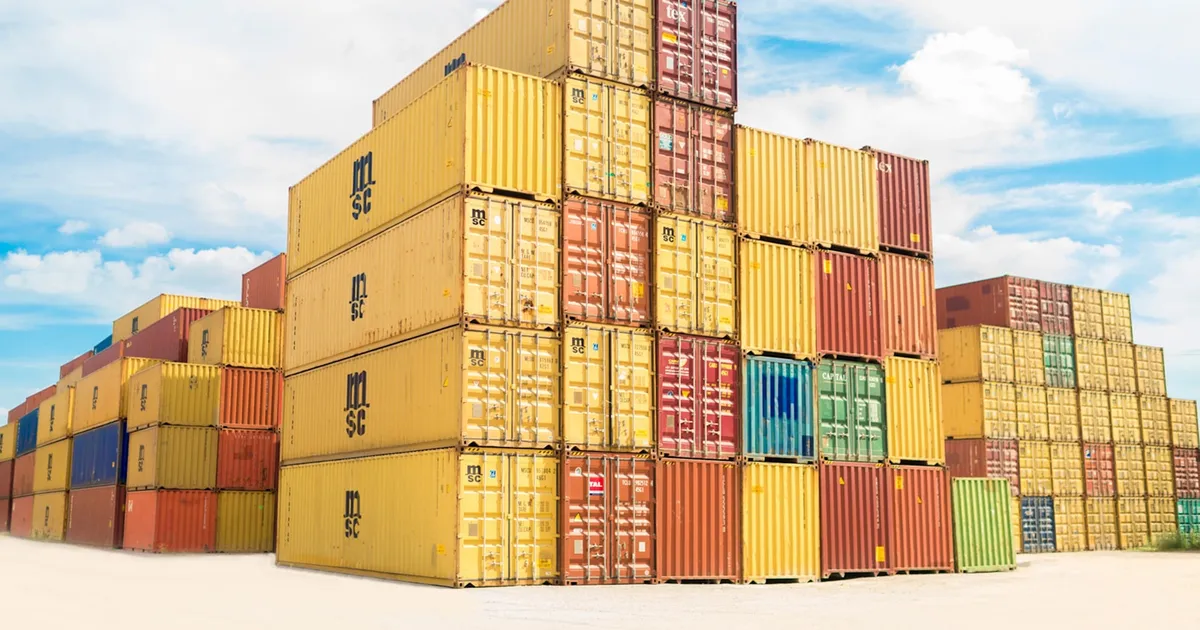
Virtual machines and containers both let you run multiple isolated workloads on one physical machine, but they isolate at different layers. A VM virtualizes the hardware and runs a complete guest operating system on top of it; a container shares the host’s kernel and isolates only the process, its filesystem view, and its resource limits. That difference in layer is why containers start in milliseconds and VMs take tens of seconds, and why VMs offer stronger isolation than containers do.
How a hypervisor works
A hypervisor — software like a Type 1 hypervisor running directly on hardware, or a Type 2 hypervisor running atop a host OS — presents each VM with virtualized CPU, memory, disk, and network devices. Each VM boots its own kernel and its own full operating system, completely unaware that it’s sharing physical hardware with other VMs. From inside a VM, the underlying host is invisible; a compromised VM cannot see or touch another VM’s memory or processes without breaking out of the hypervisor itself, which is a much smaller attack surface than an entire kernel.
The cost of this isolation is overhead: every VM carries the weight of a full kernel and OS image, consumes memory just to keep that OS running, and takes real time to boot because it’s initializing hardware drivers and system services from scratch.
How a container works
A container is, at the kernel level, just a regular process — with two Linux mechanisms making it look isolated. Namespaces limit what the process can see: its own process ID space, its own filesystem mount points, its own network interfaces, so it appears to have the machine to itself. Cgroups limit what the process can use: caps on CPU time, memory, and I/O so one container can’t starve the others. There is no second kernel — every container on a host shares the exact same kernel the host is running.
Because a container skips booting an OS entirely, starting one is just starting a process: milliseconds, not tens of seconds. Container images are also typically far smaller than VM images since they only need to package the application and its dependencies, not an entire operating system.
VMs vs containers
| Virtual machines | Containers | |
|---|---|---|
| Isolation layer | Hardware (hypervisor) | Process (kernel namespaces/cgroups) |
| Kernel | Own kernel per VM | Shared host kernel |
| Startup time | Seconds to minutes | Milliseconds to seconds |
| Image size | Gigabytes (full OS) | Megabytes to low gigabytes |
| Density per host | Lower | Much higher |
| Isolation strength | Strong | Weaker (shared kernel) |
| Typical use | Running different OSes, strong tenant isolation | Packaging and scaling application workloads |
Isolation and security trade-offs
Because containers share a kernel, a kernel vulnerability is a shared attack surface across every container on that host — a serious container escape exploits a flaw in the shared kernel to break out of one container’s namespace and reach the host or a sibling container. A VM escape is possible too, but it requires breaking the hypervisor itself, a narrower and more heavily audited piece of software than a general-purpose kernel.
This is why multi-tenant platforms that run untrusted code from different customers often add a VM-level boundary even when the workload itself is containerized — running each tenant’s containers inside its own lightweight VM, or using a technology like confidential computing that encrypts memory to further limit what a compromised host could see.
When to use which
Containers are the default choice for packaging and deploying application code: they’re what tools like Docker and orchestrators like Kubernetes are built around, and they let you run far more workloads per host than VMs would allow. Reach for VMs instead when you need a genuinely different kernel or OS than the host provides, when regulatory or contractual requirements demand hardware-level tenant isolation, or when you’re running software that assumes it owns an entire machine.
In practice, most cloud infrastructure runs both: VMs provide the underlying compute nodes, and containers run on top of those VMs to pack multiple workloads onto each one — getting VM-level isolation between customers and container-level density within a customer’s own workloads. Docker vs Podman is a separate question about which container runtime to use once you’ve decided containers are the right layer.
The takeaway
VMs isolate at the hardware layer with a hypervisor and a full guest OS per instance; containers isolate at the process layer using kernel namespaces and cgroups, with every container sharing the host’s kernel. That trade-off makes containers faster to start and cheaper to run at scale, while VMs offer stronger isolation for genuinely untrusted or regulated workloads — which is why most production infrastructure layers containers on top of VMs rather than choosing one exclusively.
Tagged
Keep reading
 Chisato · · 6 min read
 What Is Kubernetes? Container Orchestration, Explained
Kubernetes (K8s) is the open-source system for deploying, scaling, and managing containers. A plain-English definition, core concepts, and when to use it.
Chisato · · 4 min read Kubernetes Init Containers Explained
Init containers run to completion before a pod's main containers start, making them the standard way to handle setup steps and startup ordering.
 Chisato · · 4 min read
 Postgres Logical Replication Explained
Logical replication streams row-level changes between Postgres databases instead of copying raw disk blocks — enabling selective sync, upgrades, and CDC.