The Page Visibility API Explained
The Page Visibility API tells JavaScript when a tab is hidden or visible, so you can pause polling, animations, and timers the user can't see.
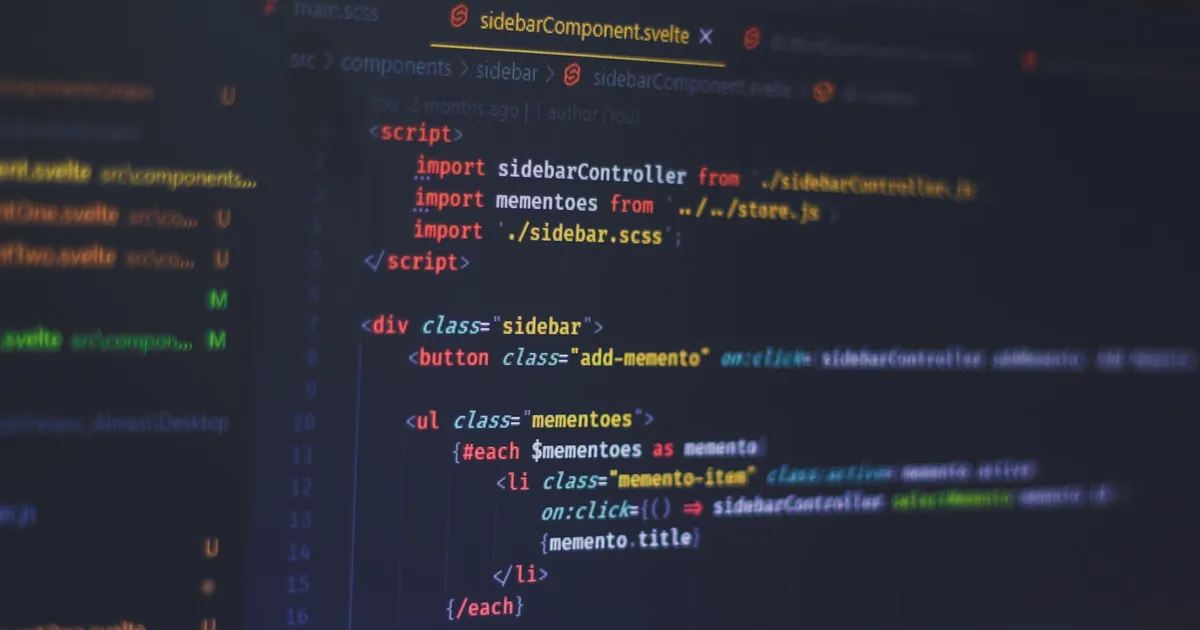
The Page Visibility API is a browser interface that tells JavaScript whether the current tab is visible to the user or hidden behind another window, minimized, or in a background tab. Instead of guessing from focus and blur events, code can check document.hidden directly or listen for the visibilitychange event, and use that signal to pause work nobody can see.
Why this matters
A tab that’s open but not on screen is still running. Timers keep firing, animations keep rendering frames, and network polling keeps hitting the server, all for a UI the user isn’t looking at. That’s wasted CPU, wasted battery on laptops and phones, and in the case of polling, wasted server load. A chat app checking for new messages every two seconds doesn’t need to keep that cadence when the tab is in the background — it can slow down or stop entirely and catch up when the user returns.
This is a genuine Core Web Vitals and battery-life concern at scale: browser vendors have found that background tabs are one of the biggest sources of avoidable CPU usage, which is part of why Chrome and other browsers already throttle timers in inactive tabs. The Page Visibility API lets your own code cooperate with that throttling instead of fighting it.
The API surface
Two pieces make up the whole thing:
document.hidden— a boolean,truewhen the document is not visible at all (backgrounded, minimized, or the OS screen is locked).document.visibilityState— a string with more detail:"visible","hidden", or (on some platforms)"prerender"for a page being pre-rendered before the user navigates to it.- The
visibilitychangeevent, fired ondocumentwhenever the state flips.
A minimal pattern for pausing and resuming work:
document.addEventListener("visibilitychange", () => {
  if (document.hidden) {
    clearInterval(pollTimer);
  } else {
    pollTimer = setInterval(checkForUpdates, 2000);
  }
});
This is deliberately coarse. It doesn’t tell you why the tab is hidden — switched tab, minimized window, another app in full-screen — only that it is. For most use cases, that’s all you need.
What it doesn’t cover
Visibility and focus are different things, and it’s a common mistake to conflate them. A tab can be fully visible on screen while a different application has keyboard focus, or a tab can have document.hasFocus() return false while document.hidden is also false. If you’re deciding whether to pause a video, use visibility. If you’re deciding whether to show a “you have unread messages” badge versus a native notification, focus is usually the better signal — sometimes you want both.
The API also doesn’t replace the Intersection Observer API, which tells you whether a specific element is scrolled into view within a visible page. Page Visibility is a document-level, tab-level signal; Intersection Observer is an element-level one. A common pattern combines both: use Page Visibility to stop all background work when the tab is hidden, and Intersection Observer to further limit work to only the elements currently on screen.
Practical uses
- Pausing media. Pause a
<video>or an animated canvas when the tab is hidden, and optionally resume playback when it becomes visible again. - Throttling or pausing polling. Reduce the frequency of
fetchcalls for live data — dashboards, stock tickers, chat — while the tab is hidden, and do one immediate refresh when it becomes visible again to catch up. - Pausing expensive animations. A
requestAnimationFrameloop can checkdocument.hiddenon each tick and skip rendering work; see requestAnimationFrame explained for how the render loop itself works. Browsers already stop rAF callbacks in hidden tabs, but visibility checks let you also pause any parallel work — WebSocket keep-alives, canvas redraws driven by other timers — that rAF throttling doesn’t touch. - Accurate analytics. Time-on-page metrics that don’t account for visibility overcount how long a user actually looked at something, since a tab can sit open and hidden for hours.
- Sync on return. Refetch or revalidate stale data the instant a user switches back to a tab that’s been backgrounded for a while, rather than showing them stale content until their next interaction.
A note on reliability
visibilitychange fires reliably for tab switches and window minimization in every evergreen browser, but it is not a substitute for a beforeunload or pagehide handler if you need to guarantee cleanup runs before a page closes — closing a tab doesn’t always fire visibilitychange first on every platform. For work that must run before a page is torn down, use the Beacon API or a pagehide listener alongside visibility checks, not instead of them.
The takeaway
The Page Visibility API is a small piece of surface area — one property, one event — but it closes a real gap: browsers know when a tab is invisible, and without this API your JavaScript doesn’t. Wiring visibilitychange into polling, animation loops, and media playback is a low-effort way to cut unnecessary CPU and network work, and it pairs naturally with Intersection Observer for finer-grained control over what actually needs to run right now.
Keep reading
 Takina · · 6 min read
 How to Break Up Long Tasks in JavaScript
Long tasks block the main thread for 50ms or more and make pages feel frozen. How to split them with yielding, scheduler.yield(), postTask, and workers.
 Takina · · 5 min read
 Microtasks vs Macrotasks in JavaScript, Explained
Microtasks (promise callbacks) run before the next macrotask (timers, events). How the two queues are ordered, and why it matters for your code.
 Takina · · 5 min read
 OffscreenCanvas API Explained
OffscreenCanvas lets you render canvas graphics off the main thread, in a web worker, so heavy drawing work stops blocking scrolling, input, and animation.