Git Hooks Explained: pre-commit, pre-push, and More
Git hooks are scripts that run automatically at points in the Git workflow, like before a commit or push. How they work and when to use them.
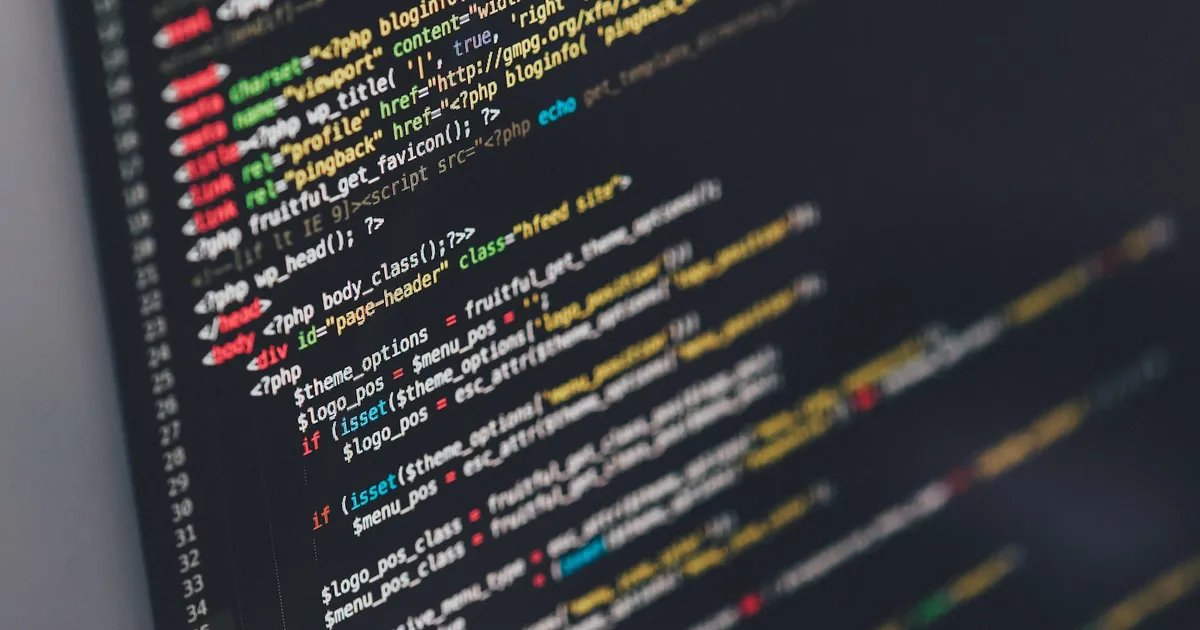
A Git hook is a script that Git runs automatically at a specific point in its workflow — before a commit is finalized, after a checkout, before a push leaves your machine. They live in the .git/hooks directory of every repository and let you enforce checks or trigger automation without anyone having to remember to run a command by hand.
Git ships a set of sample hook files (with a .sample suffix) in every new repository. Renaming one — say, pre-commit.sample to pre-commit — and making it executable is enough to activate it. No configuration file, no registration step; Git just looks for a matching filename at the right moment.
The hooks that matter most
Git defines dozens of hook points, but a handful cover nearly every practical use:
pre-commit— runs before a commit message is even opened, and can abort the commit entirely (non-zero exit code) if it fails. The natural place for linting, formatting checks, or a quick test run.commit-msg— runs after the message is written but before the commit is created, given the message file as an argument. Used to enforce a commit message format, like Conventional Commits prefixes.pre-push— runs before agit pushleaves your machine, with access to what’s about to be pushed. A good spot for a fuller test suite that would be too slow for every commit.post-checkoutandpost-merge— run after switching branches or merging, useful for reminding a developer to reinstall dependencies when a lockfile changed.
Client-side hooks like these run on the developer’s own machine and are not transferred when a repository is cloned — each collaborator’s .git/hooks directory starts empty except for the samples. That’s the central limitation to understand before relying on them.
Why hooks alone don’t guarantee anything
Because hooks live in the local, untracked .git directory, they can’t be committed to the repository the normal way, and a developer can skip them entirely with git commit --no-verify. This makes bare Git hooks unsuitable as the only line of defense for anything that must always run — they’re a convenience layer for the developer who has them installed, not a policy enforcement mechanism.
That’s the gap tools like Husky, pre-commit (the Python framework), and lefthook fill: they store the hook scripts as tracked files inside the repository (usually as an npm dependency or a config file) and install them into .git/hooks automatically, typically via a postinstall step. Everyone who clones the repo and runs the install step ends up with the same hooks active, without manually copying files into .git/hooks themselves.
A typical pre-commit setup
A common pattern pairs a pre-commit hook with a formatter and a linter, running only against staged files so the check stays fast even in a large repository:
#!/bin/sh
npx eslint --fix $(git diff --cached --name-only --diff-filter=ACM -- '*.js' '*.ts')
npx prettier --write $(git diff --cached --name-only --diff-filter=ACM)
git add -u
This is the same job ESLint and Prettier do in CI, just moved earlier — catching a formatting issue before it’s committed is cheaper than catching it after a pull request is open and a CI job has to re-run.
Hooks vs CI: complementary, not redundant
It’s tempting to treat local hooks as a replacement for CI checks, but the two solve different problems. A hook runs on one developer’s machine, against their local state, and can be bypassed. A CI pipeline runs in a clean, consistent environment against the exact commit being merged, and typically can’t be skipped if branch protection is configured. The practical pattern is to use fast hooks for instant local feedback — formatting, linting, a quick unit test — and let CI be the actual gate that decides whether code merges, running the fuller suite that would be too slow to run on every commit.
This division matters more on teams using trunk-based development, where small, frequent commits depend on fast local feedback loops to stay fast — a slow pre-commit hook that runs the entire test suite defeats the purpose and gets disabled by frustrated developers.
Server-side hooks
Everything above describes client-side hooks. Git also supports server-side hooks — pre-receive, update, and post-receive — that run on the server hosting the repository when it receives a push. These can’t be bypassed with --no-verify because they don’t run on the developer’s machine at all; they’re the mechanism self-hosted Git servers use to reject a push that fails a policy check, similar in spirit to what a hosted platform’s branch protection rules and required status checks accomplish through its own infrastructure rather than raw hooks.
The takeaway
Git hooks are scripts triggered automatically at points in the Git workflow — pre-commit and pre-push are the two most used — but because they live in the untracked .git/hooks directory and can be skipped with --no-verify, raw hooks work best as fast, optional local feedback rather than an enforced policy. Tools like Husky or pre-commit solve the distribution problem by tracking hook configuration in the repository itself, and CI remains the actual gate for anything that must run every time, on every commit, without exception.
Tagged
Keep reading
 The Lycoris Team · · 4 min read
 What Is Git Reflog? Recovering Lost Commits
Git reflog records every place HEAD and branch tips have pointed, letting you recover commits that look lost after a reset, rebase, or deleted branch.
The Lycoris Team · · 5 min read What Are Conventional Commits? A Commit Convention
Conventional Commits structures commit messages as type(scope): description so tools can auto-generate changelogs and version bumps from git history.
The Lycoris Team · · 4 min read Git Stash Explained: Shelve Changes Without Committing
Git stash saves uncommitted work to a hidden stack so you can switch branches cleanly. How stash, pop, apply, and stash branches actually work.